
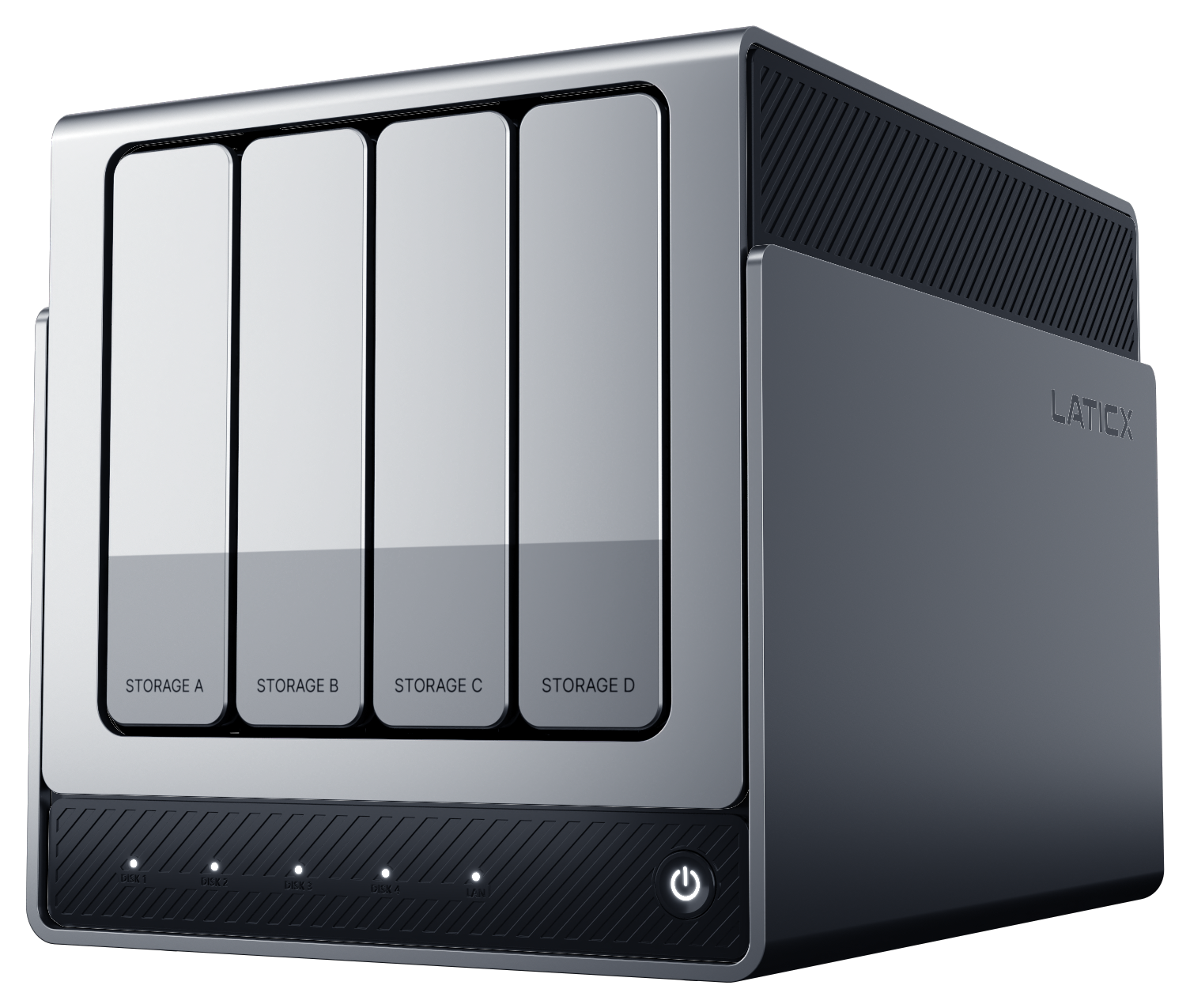

X4, X4 PRO and X4 PRO MAX. Coming to Kickstarter in early 2027.X4 Series · Early 2027
X4 PRO series rear detail and complete four-bay NAS; product design render

DATA & CONTROL

Your data. Your choices.

Choose what AI can use,
and what your family can see.

YOUR DATA. YOUR CHOICES.

Clear boundaries for how your data is used.

Local storage. Local AI. Sharing on your terms.

DATA ACCESS SCOPE

Family trip

  • Photos
  • Files
  • Recordings
Saved on
My NAS
AI access
Selected photos & files
Shared with family
Selected album
PRO series access design

PROCESSING BOUNDARIES

Know where the work happens.

All three models share the same NAS features and AI Photos. The PRO series adds the AI assistant, knowledge base and planned companion integration. Companion app workflows and NAS inference have their own processing boundaries.

X4 Series · AI Photos & NAS

Processed locally on the NAS

X4, X4 PRO and X4 PRO MAX share the same AI Photos features: albums, people, scenes, places, photo text and content search. File management, backup, sharing and other NAS features are also the same. Supported AI Photos tasks run locally on the NAS.

PRO series · Assistant & knowledge base

AI inference runs locally on the NAS

The PRO series adds RK1828 for the AI assistant, knowledge base and planned companion integration, alongside the shared NAS and AI Photos features. X4 PRO and X4 PRO MAX share the same local AI feature platform, with 8 GB and 16 GB of system memory respectively.

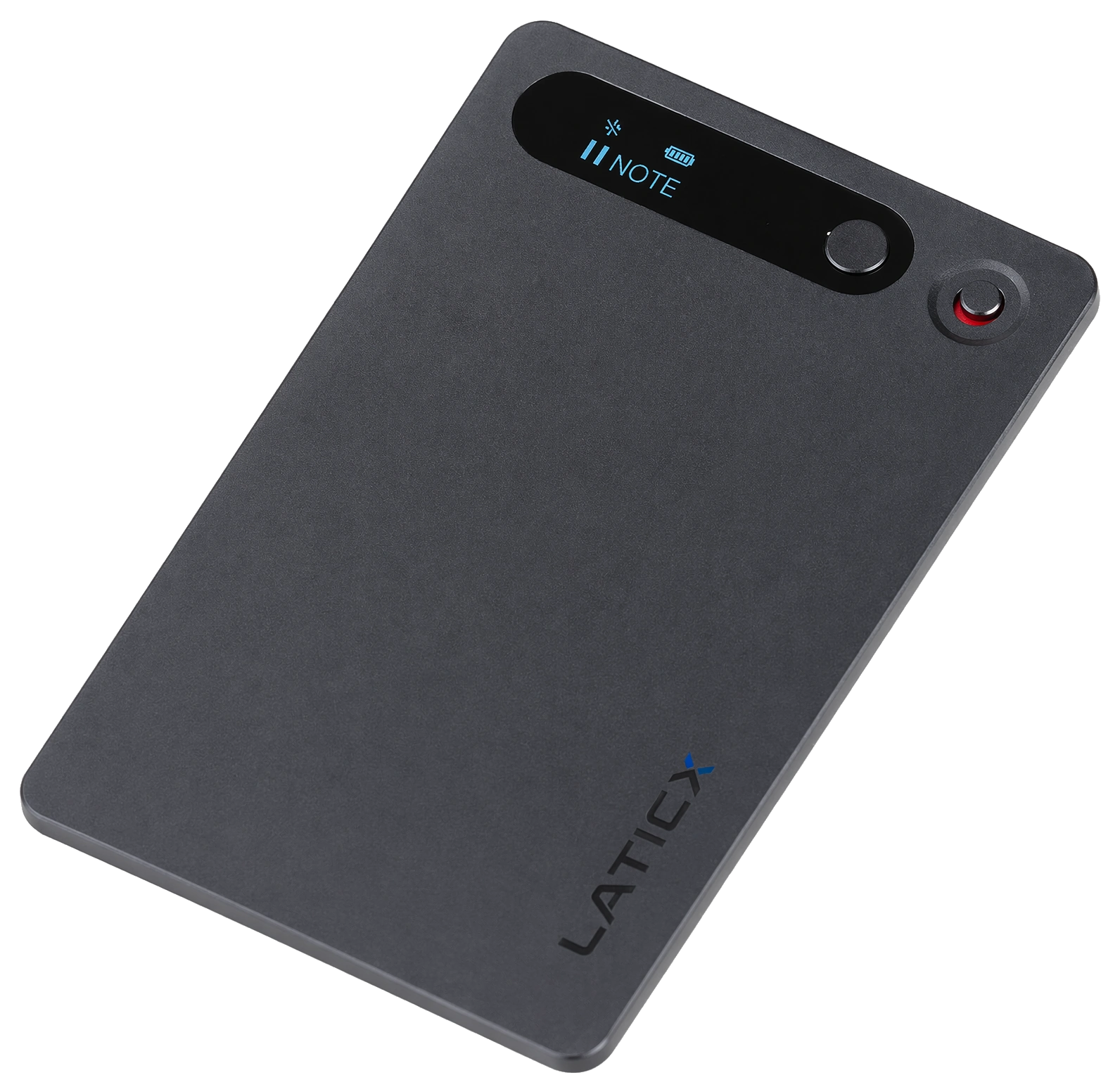
N1 · Recording & transcription

Offline English transcription in the app · Local organization on PRO

N1 captures audio, the app transcribes English offline, and the X4 PRO series locally organizes summaries, action items and mind maps.

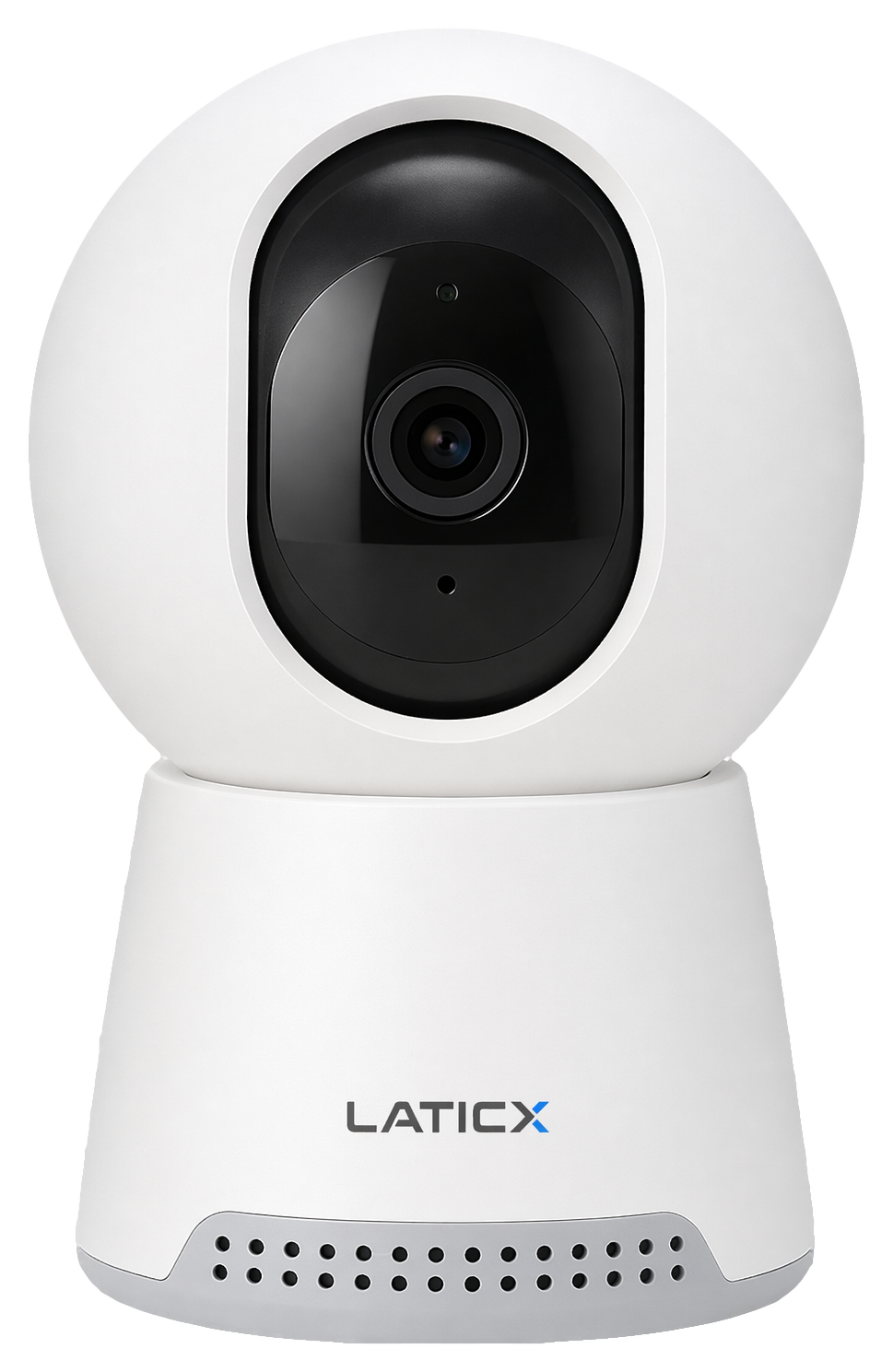
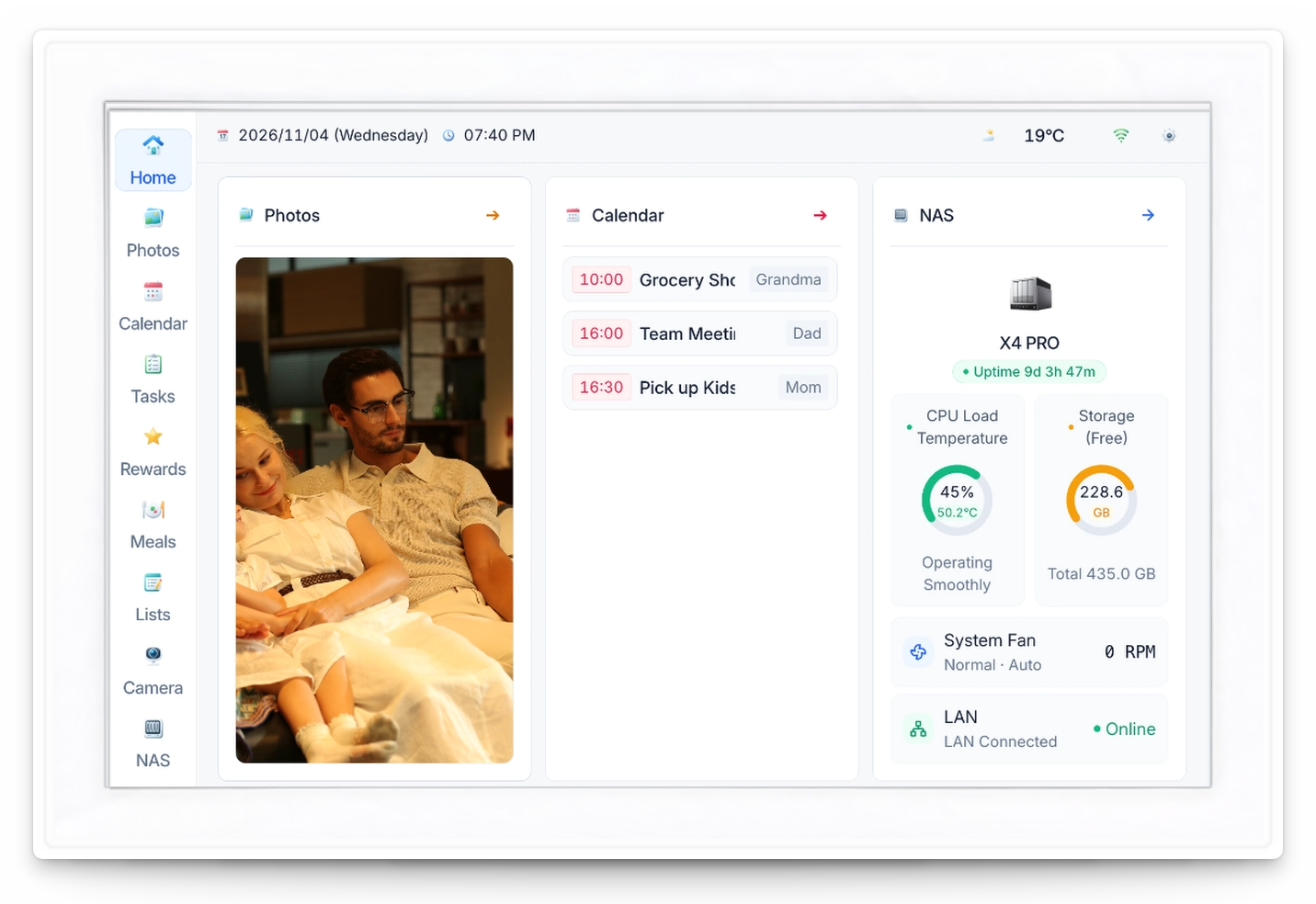
C1 / M1 · Capture & display

Integration planned for the PRO series

C1 captures indoor video and basic events. M1 displays calendars, reminders and photos approved for sharing.

ACCESS & SHARING

Personal content. Intentional sharing.

File and album sharing on all three models is designed around authorized content. The PRO assistant and knowledge base work within their respective data-access scope.

Choose what AI can use

Saving content on the NAS and making it available for search or Q&A are separate choices.

Choose what your family can see

Shared albums and home displays are designed around approved content. Keeping files on the same NAS should not automatically make them shared.

Check the source before acting

Photo search and PRO knowledge-base demos link back to original content for context. Review AI-generated answers and summaries.

Local inference and network access are separate questions.

Local AI describes where model inference runs. App downloads and software updates need a network connection. Network and data-handling requirements for remote access and third-party services will be specified for each feature.

QUICK ANSWERS

About local AI and sharing.

Understand NAS inference, companion app workflows and family sharing.

Which AI tasks run locally on the NAS?

X4, X4 PRO and X4 PRO MAX share the same AI Photos features, including album management, scene classification and photo content search. X4 uses the integrated RK3588 NPU. The PRO series also has RK1828 and adds the AI assistant and personal knowledge base. Model inference for supported tasks runs on the NAS. Clients, remote access and third-party services have their own connectivity and data-handling requirements.

Where do N1 transcription and summaries run?

N1 captures audio, the app provides offline English transcription, and the X4 PRO series locally organizes summaries, meeting notes, action items and mind maps. Other transcription languages, compatible software versions and feature support will be detailed at release. Device transfers, remote access and updates still have their own connection requirements.

Are files automatically shared with everyone on the same NAS?

Saving content on the NAS, allowing AI to use it and sharing it with family are separate choices. All three models offer the same traditional NAS access and sharing features. The PRO series is designed to work with optional campaign add-ons such as M1; shared home displays show only content approved for sharing. Specific controls for access, revocation and deletion will be documented with the relevant software release.

LATICX UPDATES

Be first to know.

Get LATICX product news, app demos and crowdfunding launch updates.

Questions? Contact us support@laticx.com

Unsubscribe anytime using the link in any email. Privacy

LATICX product experience

Sample LATICX interface

Sample original · Not an actual contract or a user's file

Renovation Quote · Sample


Search results link to the source document so you can revisit the file and check the details.

This fictional sample illustrates document search and source-file viewing.

Source path: Family Files / Renovation / Sample Quote.pdf
Document content: renovation items, materials and quotation details