
One shared view of family plans
Keep pickups, activities, and shared reminders on a family display, so everyone can see the same plans.

PUT FAMILY LIFE IN VIEW.
LATICX M1 · Family information display
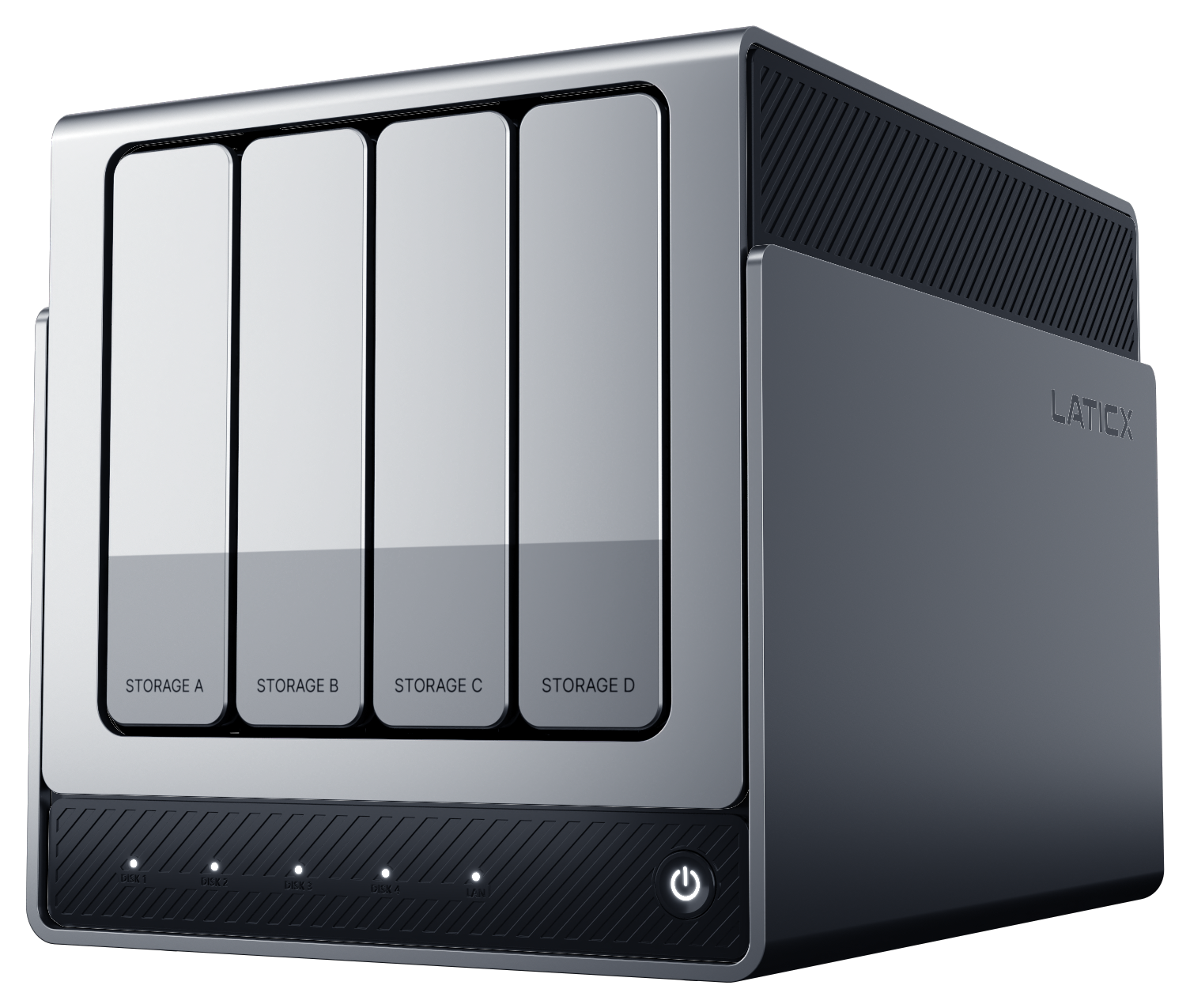
Who is picking up the kids? What is planned for the weekend? Which photos would you like to see together? M1 is designed to work with X4 PRO series to display calendars, reminders, and photos approved for sharing.
Kickstarter add-on · In development and delivery preparation · For the PRO series.
DESIGNED AROUND YOUR LIFE
Keep pickups, activities, and shared reminders on a family display, so everyone can see the same plans.
Choose albums from your NAS to display, making shared memories part of everyday life.
In the planned setup, X4 PRO series manages content and permissions. M1 presents calendars, photos, and family information approved for sharing.
M1 · SHARED SCREEN EXPERIENCE
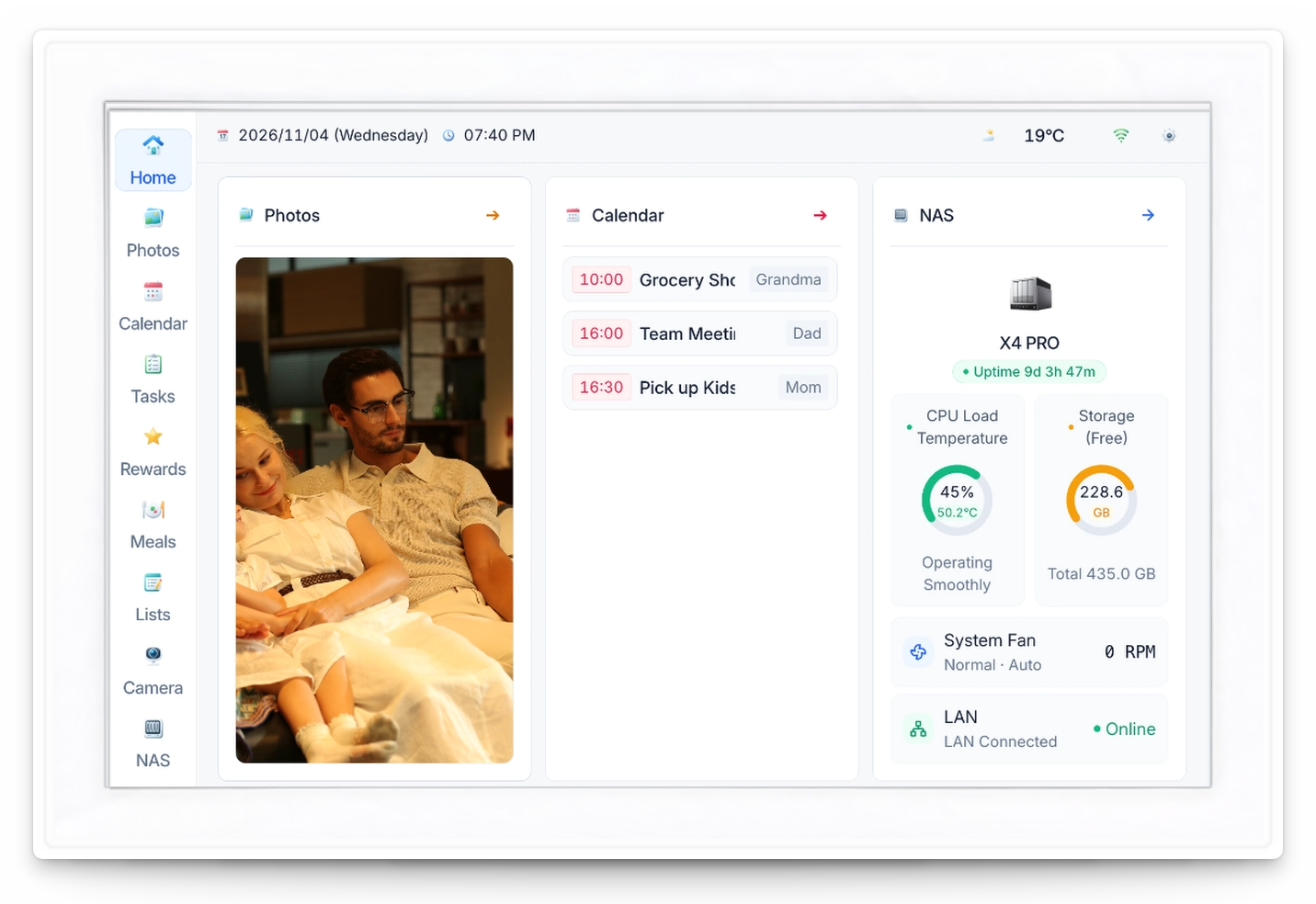
Bring weekly plans and today’s meals into view, with a look at the status of your paired NAS.
See family activities, pickups and shared plans by day, so everyone knows what’s next.
View a recipe, its ingredients and preparation time, then add a dish to today’s meals.
Check your X4 PRO series NAS connection, storage usage and system status from the shared display.
Capacity, temperatures, resource usage and fan speed are sample data.
A CLEARER WAY TO USE YOUR DATA
Follow the path from capture to organization and review.
Decide which calendars, reminders, and photos belong in a shared family space.
The NAS provides the content, family context, and permissions.
See shared plans and reminders at a glance, with selected photos bringing memories into daily life.
SPECIFICATIONS
Display, connectivity and mounting details for your shared home screen.
The 128 MB SPI NAND is system storage, not photo storage capacity. Calendar services and device integration depend on supported services and software versions.
GOOD TO KNOW
X4 PRO series supplies content, family context, and sharing permissions. M1 presents that information as a shared family display; it does not independently decide which tasks to perform or content to show.
M1 is designed to display only content explicitly approved for sharing. Choose the calendars, reminders, and photos suited to a shared screen; the official software release will explain the controls.
M1 has a 10.1-inch, 1280 × 800 display with single-point touch and automatic landscape / portrait rotation. It can sit on a desktop or be wall-mounted, and uses continuous plug-in power.
Calendar connections depend on supported services and software versions. M1 is planned to work with the X4 PRO series; the third-party calendar services and NAS compatibility list will be detailed at release.
X4 SERIES · KICKSTARTER
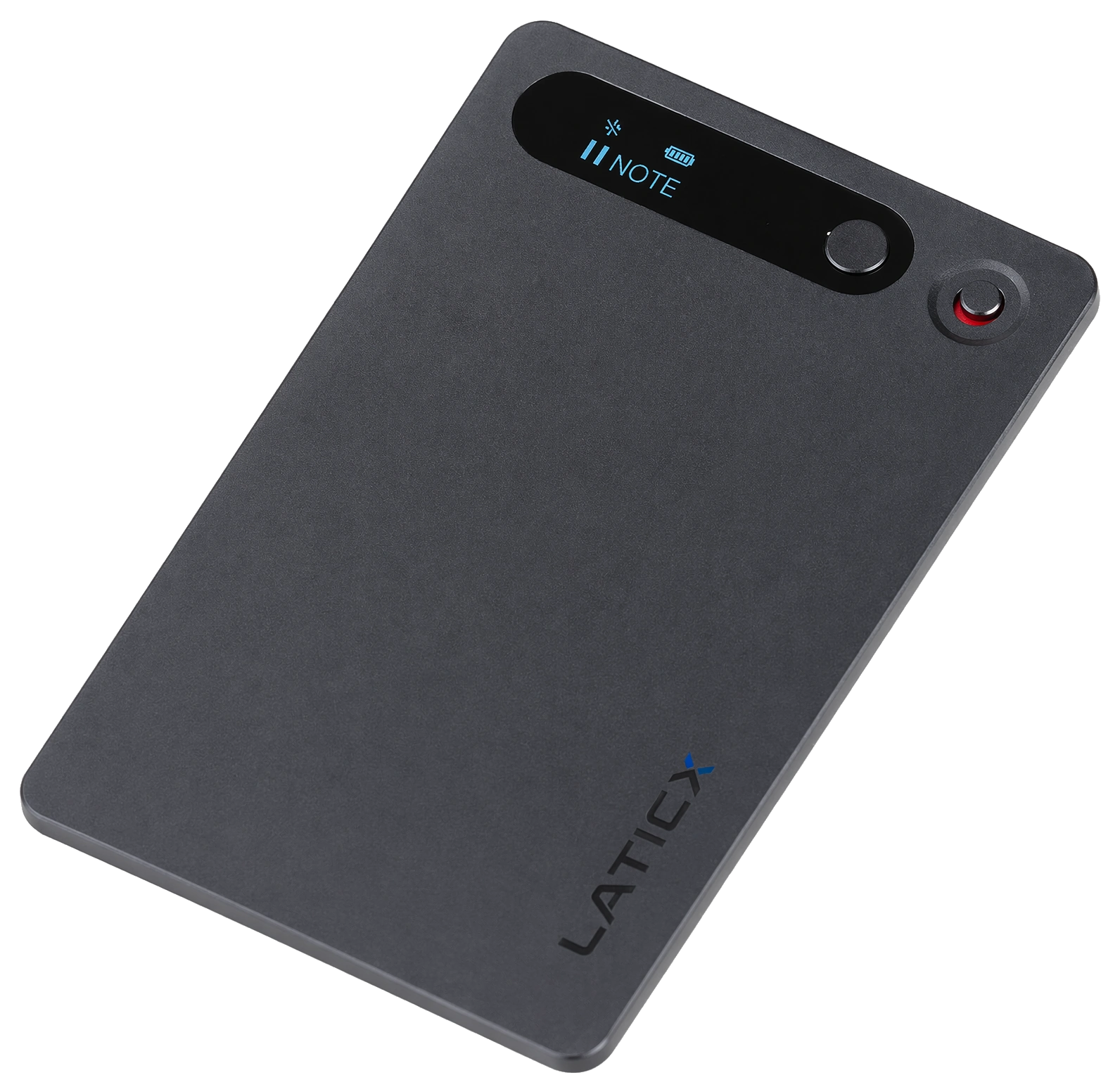
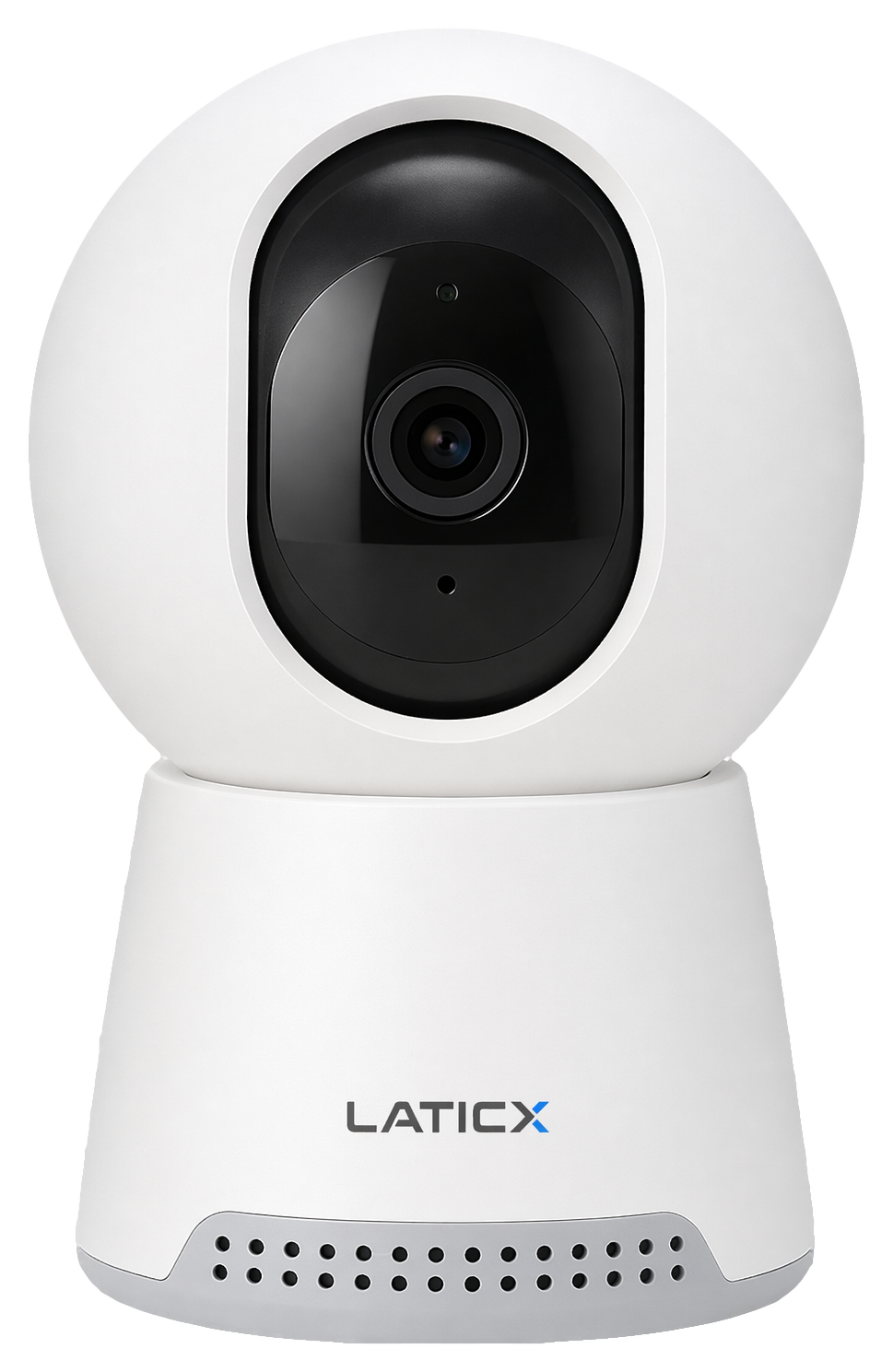
X4, X4 PRO and X4 PRO MAX will be in the same campaign, with C1, N1 and M1 as optional add-ons.
Coming to Kickstarter in early 2027. Pricing and delivery details will be announced at launch.